
AI-Powered MEP Design for Complex Industrial Facilities
Turning months of engineering effort into days.
Built for the way industrial MEP engineering really works
Complex industrial facilities are not designed in one tool.
Today, engineers calculate in one software, model in another, prepare specifications somewhere else, create tender documents manually, and coordinate everything through endless checks, exports and revisions.
MEPAIA changes this.
We are building an AI assistant that connects engineering intent with real design execution — directly inside Revit and, in the future, across other engineering platforms as needed.
How We Started
MEPAIA was born from our own engineering pain.
After years of designing complex Life Science facilities, we saw the same problem again and again: MEP engineers were spending too much time translating engineering knowledge into software actions.
Calculations, 3D modelling, drawings, schematics, specifications, equipment selection and tender documentation were all fragmented across different tools and workflows.
At the same time, AI showed that a different way of working was possible.
So we decided to build the tool we always wanted to have — an AI-powered engineering assistant that follows the traditional MEP design workflow, but executes it dramatically faster.
Where We Are Now
MEPAIA already works inside Revit and helps engineers accelerate real design tasks.
We released one of the first voice-driven MEP design workflows in Revit, allowing users to create routing concepts and interact with the model through engineering intent instead of manual UI operations.
But voice control is only one feature.
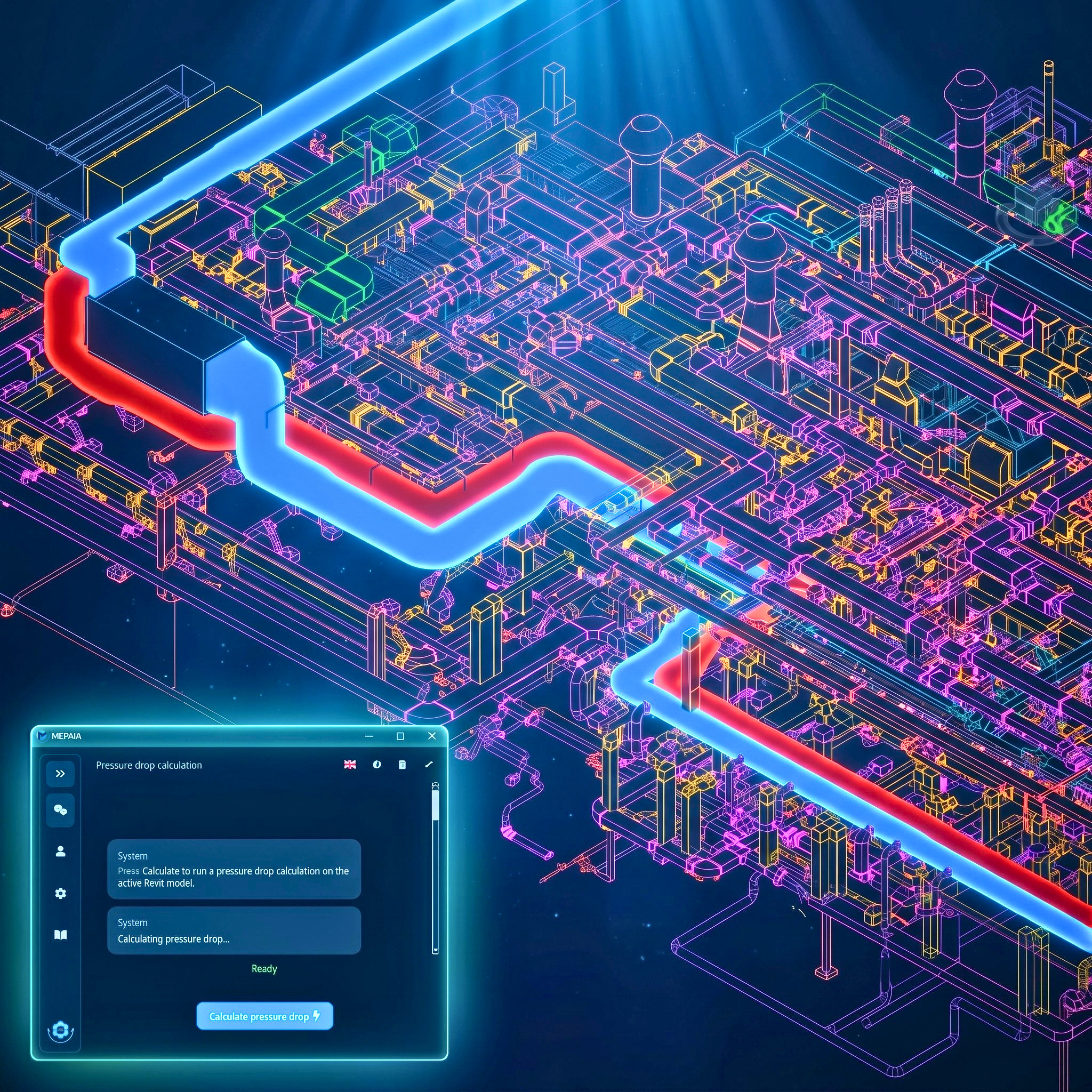
MEPAIA also includes advanced engineering automation, including pressure drop calculation for complex industrial ventilation systems, specialized Life Science workflows, model-based design support and productivity features that can significantly accelerate the work of Revit users.
Our goal is not to build another generic BIM plugin.
We are solving real engineering problems that existing tools do not solve well enough.
Where We Want To Be
Our vision is to make MEPAIA a powerful AI assistant for MEP engineers working on complex industrial facilities.
MEPAIA will support the full engineering workflow:
- 3D modelling
- Drawing generation
- P&IDs and schematics
- Engineering calculations
- Equipment selection
- Technical descriptions
- Tender documentation
- Cost estimation
Practically everything a MEP engineer does today — accelerated by AI, connected to the model, and aligned with real project documentation.
MEPAIA is not here to replace engineers.
It gives engineers superpowers.
The engineer remains responsible for reviewing, approving and owning the final design. MEPAIA accelerates the work, reduces repetitive effort and allows engineers to focus on decisions, quality and engineering value.
Who We Are
Engineers building for engineers.
Behind MEPAIA is a team of seasoned professionals who know the challenges of MEP design firsthand. Together, they combine deep engineering knowledge with cutting-edge AI expertise to create MEPAIA, an assistant designed to reduce errors, accelerate workflows, and give engineers more space for creativity.

Andrija Marinkovic
CEO & MEP Design Innovator
20+ years engineering experience
"Visionary leader driving MEPAIA's mission to transform BIM workflows."

Nenad Kovacevic
BIM Workflow Consultant
Autodesk Revit expert, hundreds of automation scripts
"Simplifying complex MEP tasks with smart automation."

Djordje Ivanovic
IT Specialist & AI Enthusiast
Scalable, voice-enabled platforms
"Building AI tools that empower engineers and accelerate workflows."
Frequently Asked Questions
Quick answers to common questions about MEPAIA and Revit automation.
Turn Hours of Revit Work into Minutes
Join early adopters and experience the future of BIM modeling. Request a trial and our team will reach out to get you started.